Printer quit?
Box it up.
We come to it.
J2 Blueprint Supply Co sends experienced repairmen to your home or small office to fix the printer right where it sits. You see the quote before we touch a part, and if we cannot fix it, you do not pay.

J2 Blueprint Supply Co is an independent onsite repair company and HP Partner. We are not HP Inc. or any other printer manufacturer, and this is not an official HP website. All work is performed in person at your home or office. Images of HP products are shown for identification and informational purposes only; HP and all related product names, logos, and images are trademarks and property of HP Inc.
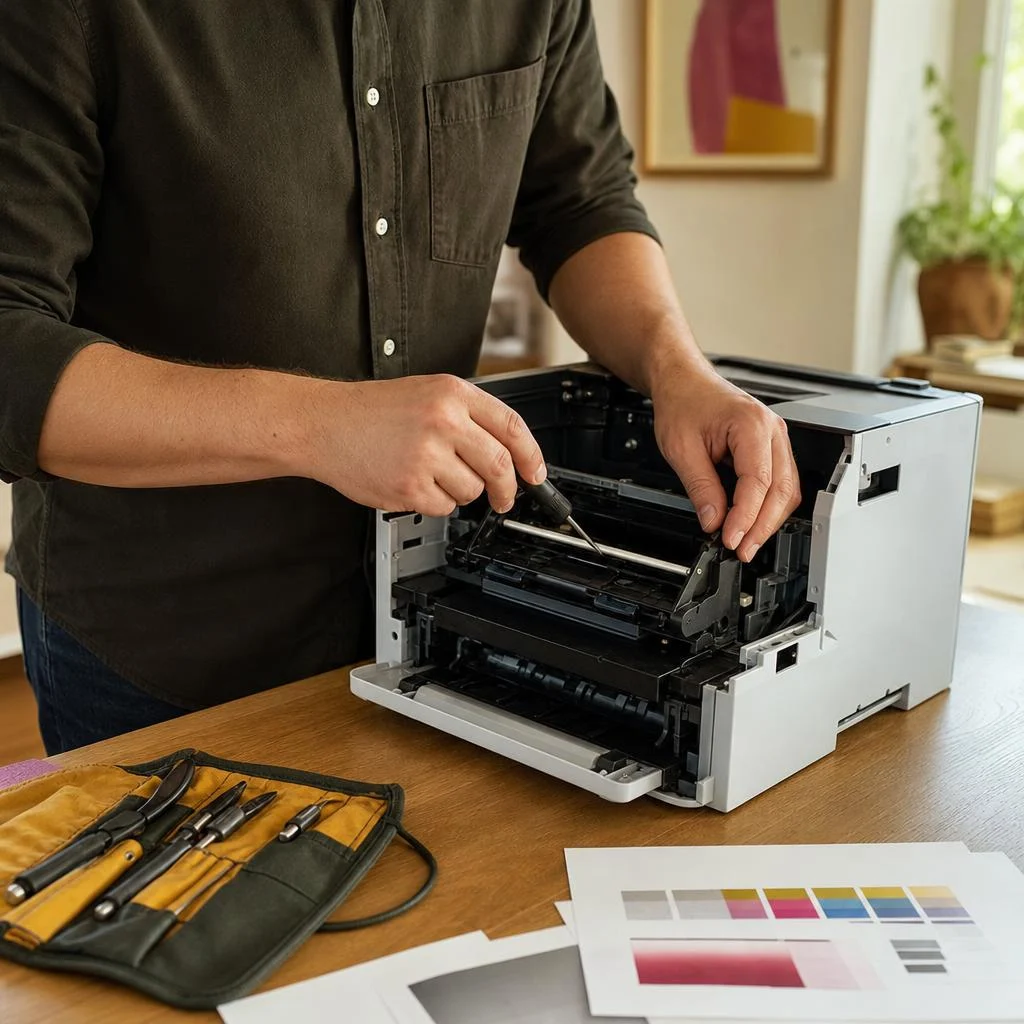 On the bench: your printer, your place
- Request received
- Repairman on the way
- Diagnose and quote
- Repair and test print
We come to you
Home, home office, or shop floor.
Vetted repairmen
Experienced hands, not a call script.
No fix, no fee
Fixed quote before any work starts.
Quality parts
Genuine, manufacturer-grade.
What we take on
Six jobs we handle at your door.
The top row is repair work. The bottom row gets taken care of in person while your repairman is already there. HP printers are our specialty.
Onsite Printer Repair
Laser or inkjet, we open it up and fix it on the spot. No boxing, no shipping, no waiting on a depot.
See the detailsDiagnostics & Repair
Rollers, fusers, printheads, boards. We find the part that actually failed instead of guessing.
See the detailsScanner & All-in-One Repair
Scanning, copying and document feeders on HP all-in-ones, repaired right where the machine sits.
See the detailsWireless Connection
While your repairman is there, they get the printer talking to your network and your devices.
See the detailsPrinter Software Setup
Handled in person during an onsite visit, so printing works from the computers you actually use.
See the detailsNew Printer Installation
Unboxed, assembled, connected and test-printed before your repairman packs up.
See the detailsHow a visit goes
Four steps. One trip.
No runaround, no mystery invoice. You know what is wrong and what it costs before anything gets replaced.
You call or book
Tell us what the printer is doing. Online or by phone, whichever is easier.
We look inside
An experienced repairman diagnoses it in person, at your home or office.
We fix it there
You approve a fixed quote first. Then quality, manufacturer-grade parts go in.
It prints again
We run test pages with you and do not leave until it is working.
Why onsite
The printer stays put. The fix travels.
Hauling a printer across town to sit in a queue is how a one-day problem becomes a two-week one.
We come to you.
No unplugging, no boxing up, no waiting weeks. Your repairman fixes the printer right where it sits, at home or at work.

Less to think about.
Regular care catches small problems before they turn into big ones.
Quote first. Then the work.
You only pay when your issue is resolved. Once we find the cause, you get a fixed quote for parts and labor before any work begins. If we cannot fix it, there is no charge.

Who calls us
The kitchen-table printer and the one by the front desk.
Most of our visits are to homes and home offices. Small businesses get the same repairmen and the same honest pricing.
Home printer repair
The DeskJet in the kitchen, the OfficeJet in the spare room, the laser printer that only jams the week taxes are due. We come to the house, get every computer and phone printing, and leave it working.
Onsite Printer RepairOffice printer repair
LaserJet workgroup printers, multifunction machines, and shared printing across a small team. Quick diagnosis, minimal disruption, and care that keeps small faults from turning into a lost afternoon.
Printer Diagnostics & RepairAs an HP Partner, we specialize in HP printers: LaserJet, OfficeJet, DeskJet, ENVY, and Smart Tank. We can help with other printer brands as well.
From the bench
Four habits that save you a service call.
Things we wish every printer owner knew. More in the Blog and Learning Center.
Print a page every week
Inkjets dry out when they sit idle. One weekly page keeps nozzles clear and colors honest.
Keep paper flat and dry
Damp or curled paper causes a surprising share of the jams and misfeeds we see.
Use the power button
Shutting down properly lets the printer park its printheads. Pulling the plug skips that.
Give it room to breathe
Dust on rollers and vents leads to streaks, jams and overheating over time.
Help Desk
Read up before we ring the bell.
Knowledge Base
Common HP Printer Hardware Problems and What They Mean
The hardware faults we see most often, from feed rollers to fusers, and what each symptom usually points to.
Read itKnowledge Base
HP Printer Error Codes Explained in Plain English
Error codes are just the printer telling you where it is stuck. Here is how to read them and what to do next.
Read itRepair Guide
Installing an HP Printer: Complete Setup Guide
From unboxing to a clean first test print on Windows 11 or Mac.
Read itRepair Guide
Connect an HP Printer to WiFi: Wireless Setup Guide
Step-by-step help, plus what to try when the printer refuses to join the network.
Read itBlog
Office HP Printer Maintenance to Keep Work Moving
Busy office printers need a different routine than home units. Here is how to keep them reliable.
Read itBlog
Home HP Printer Care Tips for Long, Trouble-Free Use
Home printers sit idle between jobs, which creates its own problems. These habits help.
Read itStraight answers
What people ask before they book.
Still unsure? Call +1 (360) 696-1861 or visit the FAQ Center.